Use your documents
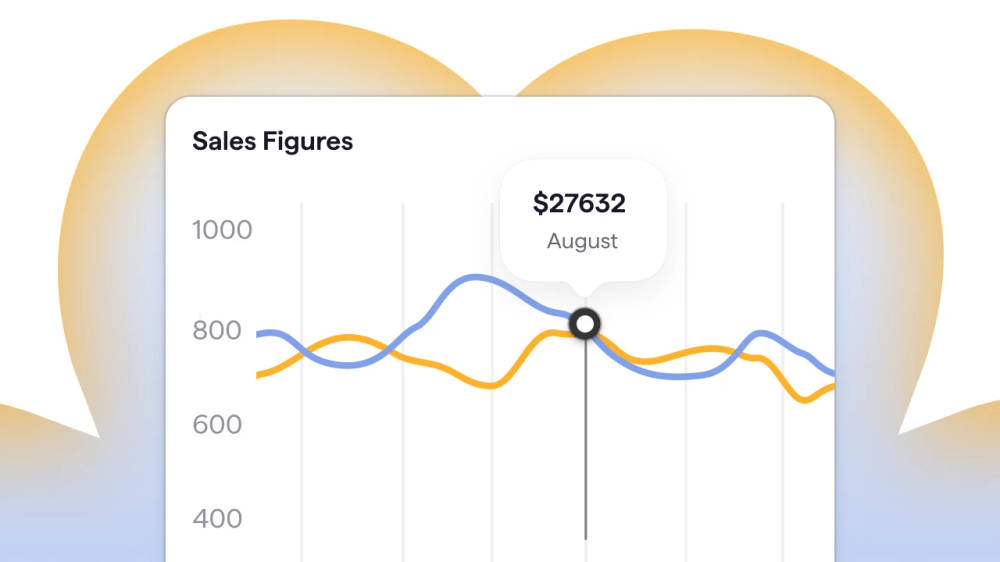
Add one document or one lakh documents. Agents use them as context when producing work.

Describe the work you want to hand off
Ask a question about your work
Ask a question and work through the answer using the documents and tools you connect.
Draft the quarterly vendor review
Hand off a goal. The agent plans the steps and returns finished output.
Build an agent once, share it with your team, and use the same process for each run.
Agents can create sub-agents, act in connected applications, run on a schedule, and use your documents as context.
Add one document or one lakh documents. Agents use them as context when producing work.
A lead agent can create sub-agents, give each one a task, and combine their work into one output.
Connect an agent to Slack, Google Calendar, GitHub, and more than 100 applications. It can send messages, accept invites, and push code updates.
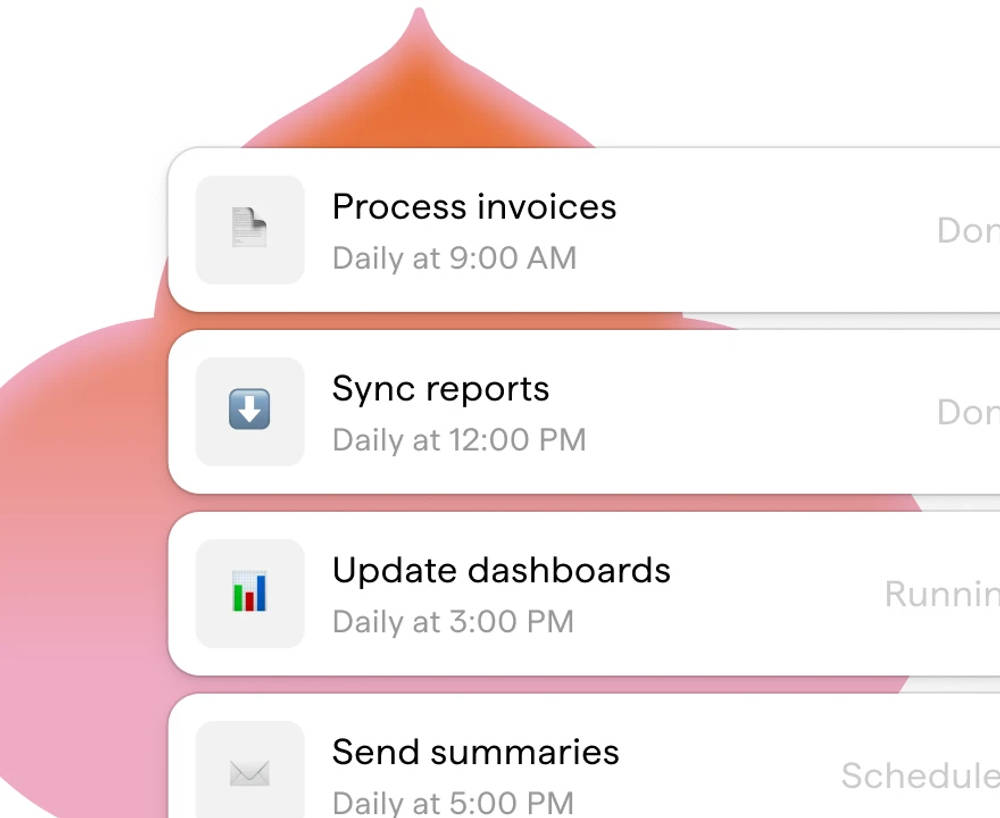
Set a daily, weekly, or monthly schedule. The agent runs the task without someone starting it each time.
Start with a ready-made agent or describe the job in plain language. Answer the setup questions to define how the agent should run it.
Create an agent for my marketing team's monthly media spend report.
Describe the output you need and the checks it must pass before the agent returns it.
Add the documents the agent should use, connect Notion, Slack, HubSpot, or Google Drive, and set rules for every run. You can require review before publishing, source citations, and your company tone. You can also tell the agent to keep pricing private.
Share the agent with a team or deploy it in Slack.
A team member who owns the monthly report builds the agent and sets its rules. The rest of the team can run it. Deploy the agent in Slack so people can use it in a channel.
Set which applications and documents the agent can access, the rules it follows, and when it can create sub-agents.
Connect Notion, Slack, HubSpot, Google Drive, Linear, GitHub, Jira, and more than 100 other applications. Agents can read data and take actions through those connections.
Skills set the instructions an agent follows on every task. They can require review before publishing, source citations, and your company tone. They can also tell the agent to keep pricing private.
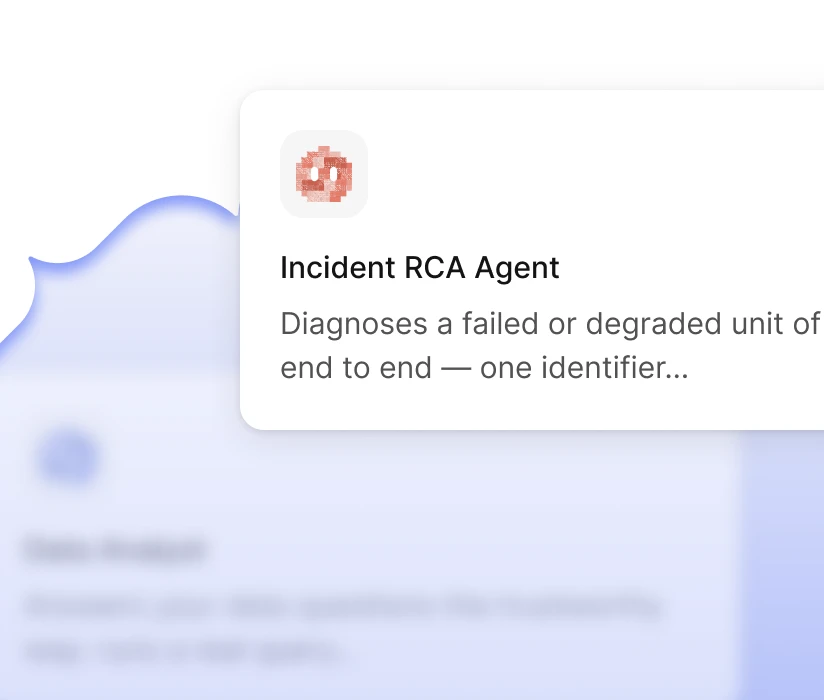
A lead agent can divide a job among sub-agents with separate tools and instructions, then return one finished result.
Each run returns an output your team can review.
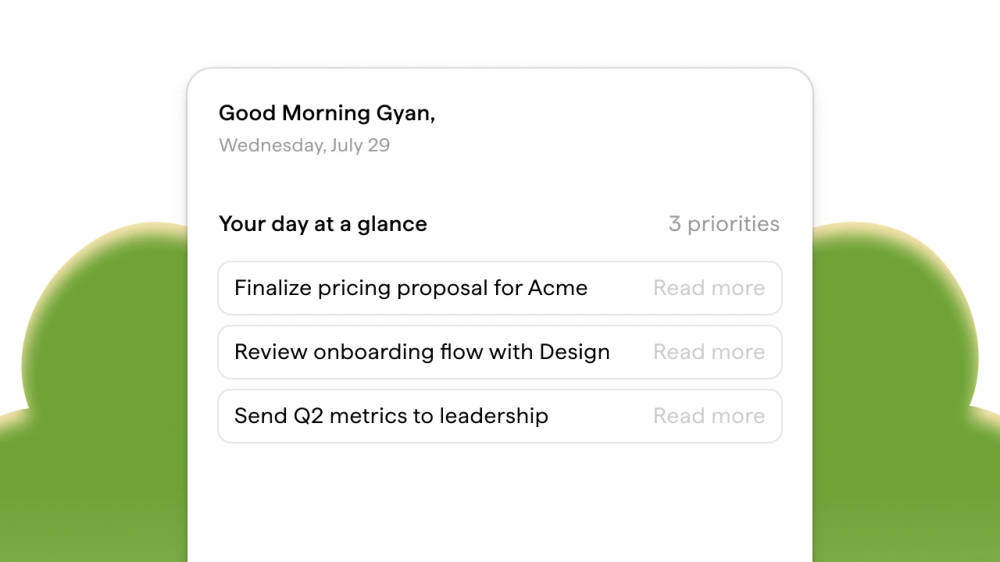
On a schedule, an agent reads your calendar, gathers the context for each meeting, and prepares a brief for the day's meetings.
Connect an agent to your ad accounts and analytics. It collects the numbers and writes the monthly report.
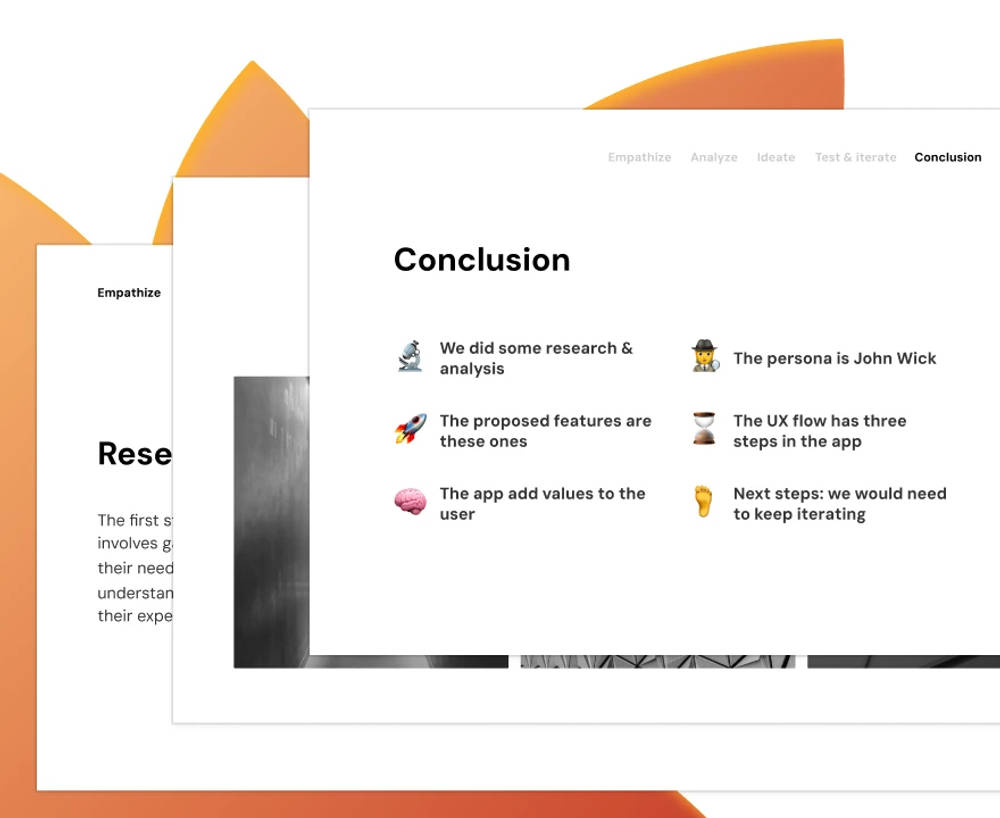
Give the agent a topic and the required deck format. It researches the topic, drafts the slides, and returns a completed presentation.
Schedule a recurring task. The agent runs it at the set time and returns the output for review.
Deploy an agent in Slack. Ask a question in a channel and receive the answer in the thread.
Build with Work Agents. Choose a process, connect the required tools, and hand off the first goal.
Build with Work Agents.
Choose a process, connect the required tools, and hand off the first goal.